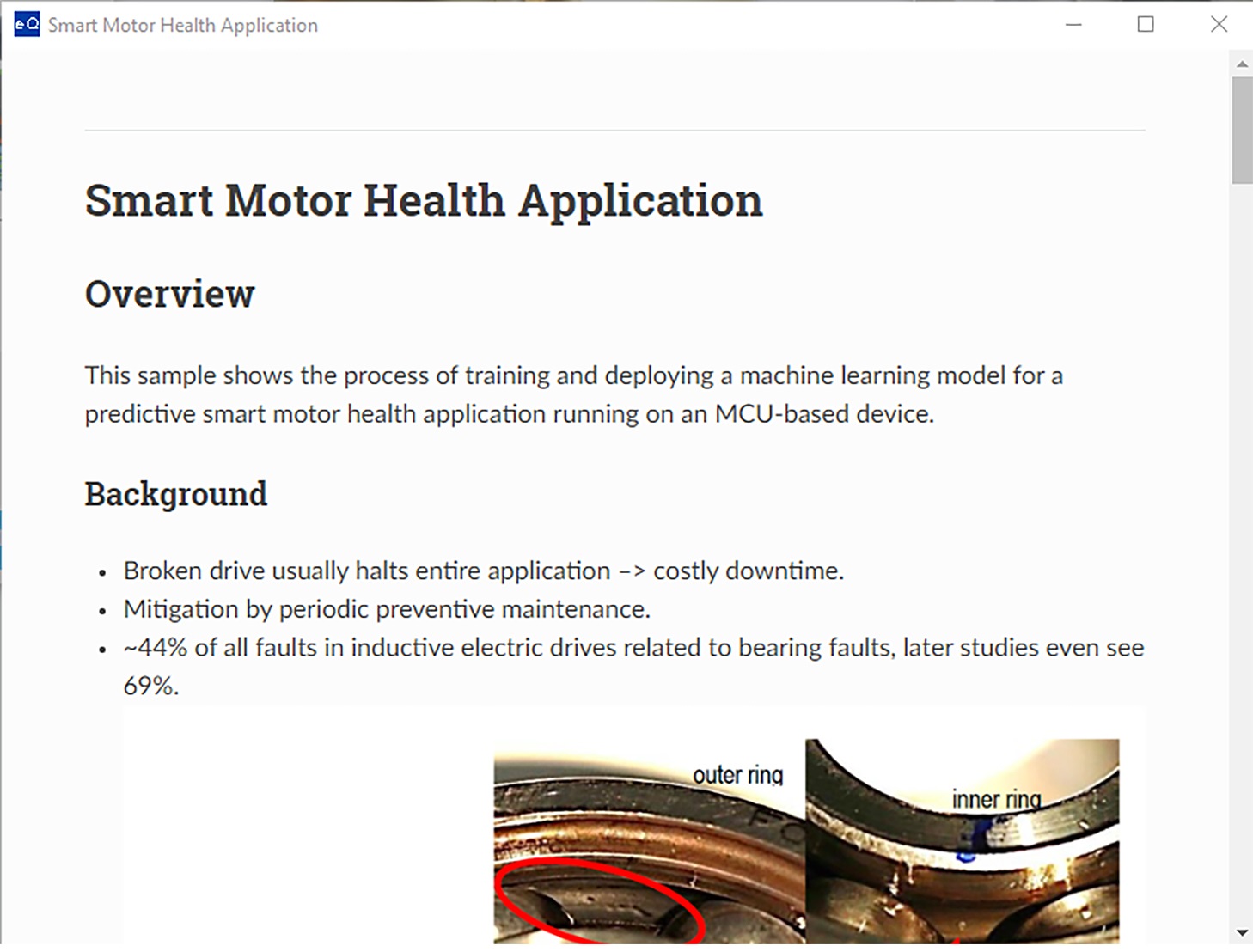
Homepage
To help you quickly get started with the IDE and demonstrate the automation process, the IDE provides sample applications for different algorithm categories. For example, Anomaly Detection, n-Class Classification, 1-Class Classification, and Regression, BYOM, Utilities, Solutions. When the IDE launches, the following chart appears on the homepage.
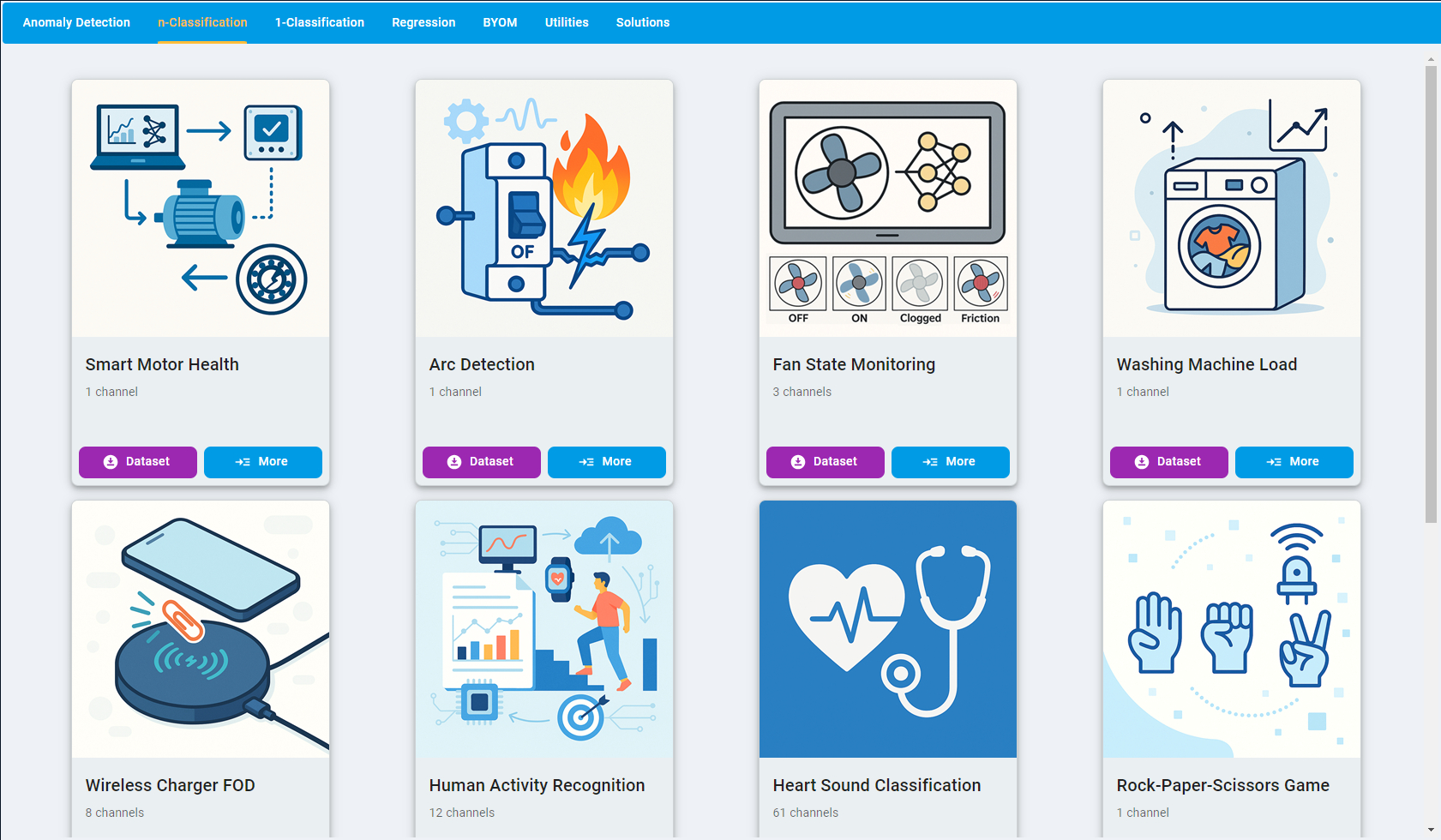
Steps to try the sample application:
Click the top tab and select the algorithm category (Anomaly Detection, n-Class Classification, 1-Class Classification, Regression, BYOM, Utilities, and Solutions).
Select the sample application from the sample card list.
Click
Datasetand download and save the sample dataset to your local machine.Unzip the dataset package in a folder on your local PC.
Click
Moreand open the online quick start guide, follow the instructions, and complete the process.
Sample applications are continuously updated from the cloud side to add more scenarios or fix issues.
If everything is working correctly, a sample page is shown below. To use eIQ Time Series Studio for your project, scroll down the sample page and complete the instructions.